
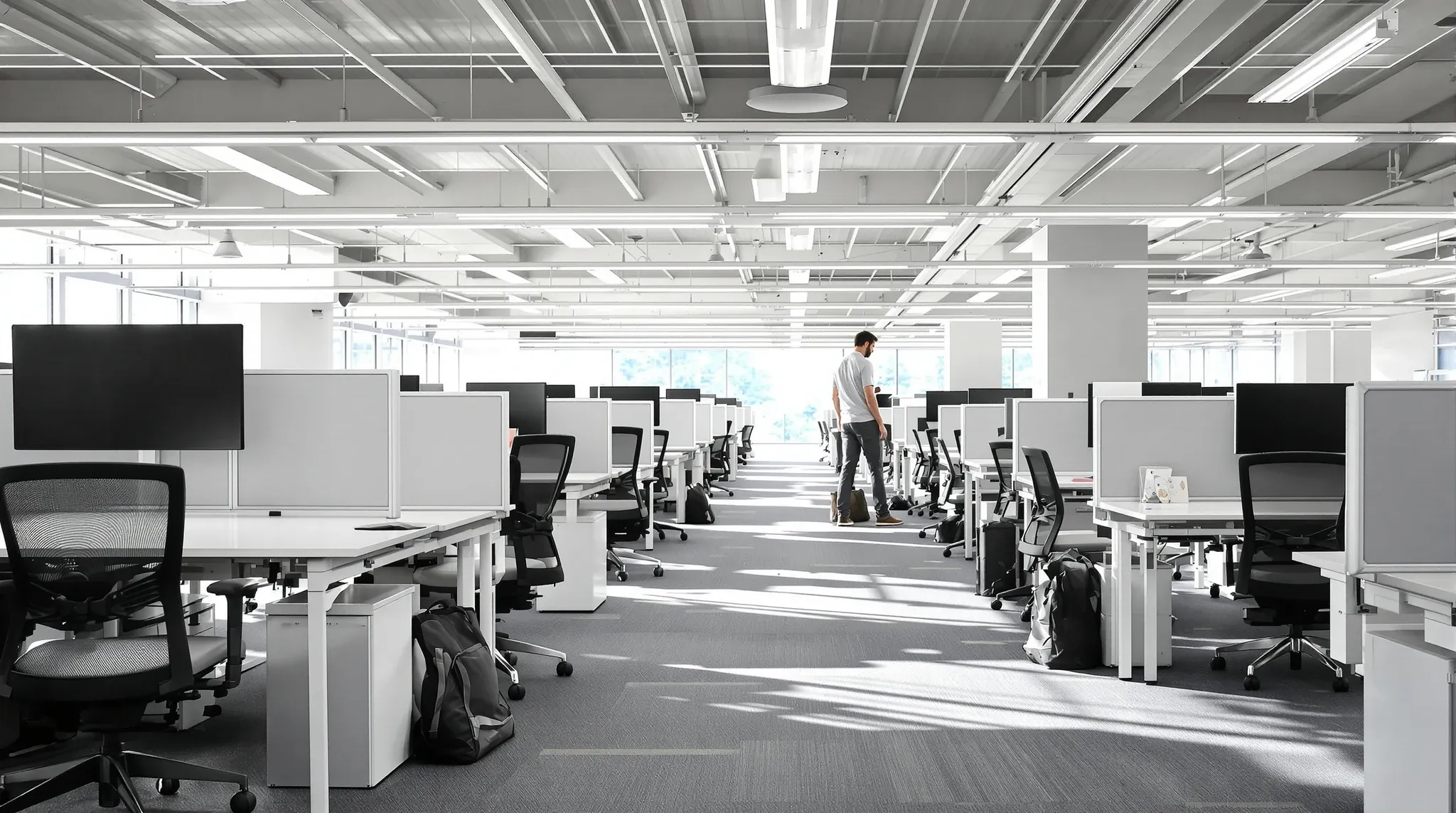
Workstations and boardrooms are the two environments where office furniture has the most direct impact on how people work. A workstation that is uncomfortable, poorly configured, or too small for the equipment it needs to support drains productivity one hour at a time. A boardroom that does not function properly for meetings, presentations, and collaborative sessions undermines the most important face-to-face interactions a business has. Getting the furniture right in these two zones is not a cosmetic decision; it is an operational one.
The challenge is that workstation and boardroom requirements are different in almost every respect. Workstations need to support prolonged individual work with ergonomic precision. Boardrooms need to host group interactions with technology integration and visual impact. Approaching both with the same selection criteria leads to compromises in both spaces. Understanding what each environment actually demands from its furniture leads to better decisions and better outcomes.
What Workstation Furniture Needs to Deliver
A workstation is the place where most office workers spend the majority of their day, and the furniture needs to support sustained, focused work without contributing to fatigue, discomfort, or distraction. The core elements are the desk, the chair, and the storage or peripheral items that support the individual’s workflow.
The desk needs to provide enough surface area for the equipment the person uses. A worker with a single laptop needs less space than someone with dual monitors, a document holder, and a phone. Desk depth matters as much as width, because monitors need to sit at an appropriate viewing distance, and shallow desks force screens too close to the user. The standard commercial desk depth of 750mm works for most single-monitor setups, but dual-monitor users often benefit from a deeper surface or a separate monitor arm that moves the screens to the correct distance.
Height adjustability has become a mainstream workstation feature rather than a premium option. Sit-stand desks allow workers to alternate between seated and standing positions throughout the day, which reduces the physical strain of prolonged sitting and provides variety in posture. The mechanism, whether electric, pneumatic, or manual crank, affects the speed and ease of adjustment, and electric mechanisms are now the standard for commercial fitouts because they adjust quickly and quietly without requiring physical effort. For businesses that are investing in a practical and productive fitout, sit-stand desking is one of the most tangible staff wellbeing improvements available.
Choosing the Right Task Chair
The task chair is arguably the single most important piece of furniture in the office. A poor chair causes back pain, neck strain, and reduced concentration, all of which affect the individual’s productivity and, over time, their health. A good chair supports the body through a full working day with adjustability that accommodates different body sizes and sitting habits.
The essential adjustability features for a commercial task chair are seat height, seat depth, lumbar support, backrest recline tension, and armrest height and width. Each of these adjustments allows the chair to be fitted to the individual user rather than forcing the user to adapt to a fixed chair shape. Chairs that lock occupants into a single position, regardless of how well padded they are, create discomfort over sustained use because the body needs to shift and adjust throughout the day.
The temptation to save money on task chairs is one of the most common false economies in office fitouts. A chair that costs substantially less than a commercial-grade product will typically show it in durability, adjustment quality, and long-term comfort. Mechanisms wear out, foam compresses, and fabric deteriorates faster in cheaper chairs, which means they often need replacing within two or three years rather than lasting the five to ten years expected of a commercial-grade product. The total cost of purchasing and replacing budget chairs over a lease term frequently exceeds the cost of buying a quality chair once.
Workstation Layout and Density
How workstations are arranged on the floor affects noise, privacy, collaboration, and the overall feel of the workspace. The three main configurations are bench desking, where desks are joined in shared rows; pod clusters, where groups of four or six desks face each other; and individual desks, where each workstation is a separate unit.
Bench desking is the most space-efficient configuration and works well in environments where team collaboration is constant and individual privacy is a lower priority. Pod clusters provide a balance between density and team definition, creating natural workgroups while allowing some visual separation between clusters. Individual desks offer the most privacy and flexibility but use more floor space per person.
Desk spacing affects both comfort and compliance. Australian workplace standards recommend a minimum of 750mm clearance behind each seated worker for circulation, and the total space allocation per person in an open-plan environment typically ranges from eight to twelve square metres depending on the industry and work type. Cramming more desks into the space than the layout can comfortably support creates a claustrophobic environment that staff resist, which often leads to requests for layout changes within the first year. Taking the time to plan the fitout carefully from the start avoids the cost of reworking a layout that looked fine on the drawing but failed in practice.
Boardroom Furniture Requirements
The boardroom serves a fundamentally different purpose from the workstation area. It is a space for group decision-making, client meetings, presentations, and collaborative discussion. The furniture needs to support these activities while creating an environment that conveys professionalism and authority.
The boardroom table is the centrepiece, and its size, shape, and construction determine how effectively the room functions. The table needs to be large enough to seat the required number of people with adequate elbow room, but not so large that it overwhelms the room and leaves no space for movement or equipment. A table that fills the room edge to edge, leaving barely enough clearance for chairs to pull out, creates a cramped and uncomfortable meeting experience.
Table shape affects the meeting dynamic. Rectangular tables are the most common and the most efficient use of floor space. Oval and boat-shaped tables soften the visual profile and improve sightlines between participants at opposite ends. Round tables promote equal participation but consume more floor space per seat and are impractical above eight or ten people. The shape should reflect the type of meetings the room hosts and the number of participants it typically accommodates.
Technology Integration in Boardrooms
Modern boardrooms need integrated technology to function effectively. Video conferencing, screen sharing, presentation display, and in-table power and data connectivity are baseline requirements rather than luxury additions. The furniture needs to accommodate this technology cleanly, with cable management that keeps the table surface clear and connections that are accessible without crawling under the table.
In-table connectivity hubs provide HDMI, USB-C, and power connections at the table surface, allowing participants to connect their devices and share content with a single cable. These hubs need to be positioned where they are accessible to seated participants and designed to retract or close when not in use, so the table surface remains clean between meetings.
Cable management beneath the table is a perennial challenge. Multiple power cables, data cables, and AV connections running from the table to the floor and then to the wall create a tangle that looks untidy, presents a trip hazard, and makes it difficult to troubleshoot connection issues. The best solutions incorporate cable trays within the table structure, with a single cable pathway from the table to a floor box or wall connection point. When the electrical and data cabling is planned alongside the furniture selection, the connections arrive at the right location with the right connector types, and the integration is seamless rather than improvised.
Boardroom Seating
Boardroom chairs serve a different purpose from task chairs. They are used for shorter durations, typically one to three hours, but they need to look appropriate in a formal meeting environment while still providing adequate comfort for extended sessions.
The standard boardroom chair has a medium-height back, a padded seat, armrests, and a swivel base on castors. The upholstery is often leather or premium fabric to suit the room’s aesthetic. Unlike task chairs, boardroom chairs do not need the same range of ergonomic adjustability because they are not used for a full working day. However, the padding quality, seat depth, and lumbar support still matter, because an uncomfortable meeting chair distracts participants and undermines the quality of the discussion.
The number of chairs should match the table capacity plus a small number of additional chairs along the wall for overflow seating. Overfilling the room with chairs creates a crowded appearance and makes movement around the table difficult. Having exactly the right number at the table with two or three reserve chairs is the practical standard.
Balancing Budget Across Workstations and Boardrooms
Most fitout budgets cannot support premium furniture in every zone, so the allocation needs to be deliberate. The general principle is to invest most heavily in the items that people use for the longest duration and the items that create the strongest impression on visitors.
Task chairs should receive the largest per-unit investment because they directly affect health and productivity over hours of daily use. Desks should be functional and well-built but do not need to be premium unless the business requires specific features like sit-stand mechanisms or custom dimensions. Boardroom tables and chairs should reflect the formality of the room and the impression the business wants to make on clients and stakeholders.
Back-of-house areas, including utility zones, storage rooms, and staff-only spaces, can typically be furnished with standard products at lower price points without affecting the overall quality of the fitout. The budget saved on back-of-house furniture can be redirected to the workstation and boardroom items that have the most impact on daily operations and client perception. Understanding what drives fitout pricing helps tenants make these allocation decisions with confidence rather than spreading the budget evenly across items of very different importance.
If you are selecting workstation and boardroom furniture for an office fitout and want advice on products, layout, and budget allocation, we can help you choose furniture that works for your team and your space.
Call us on 1300 60 93 93