
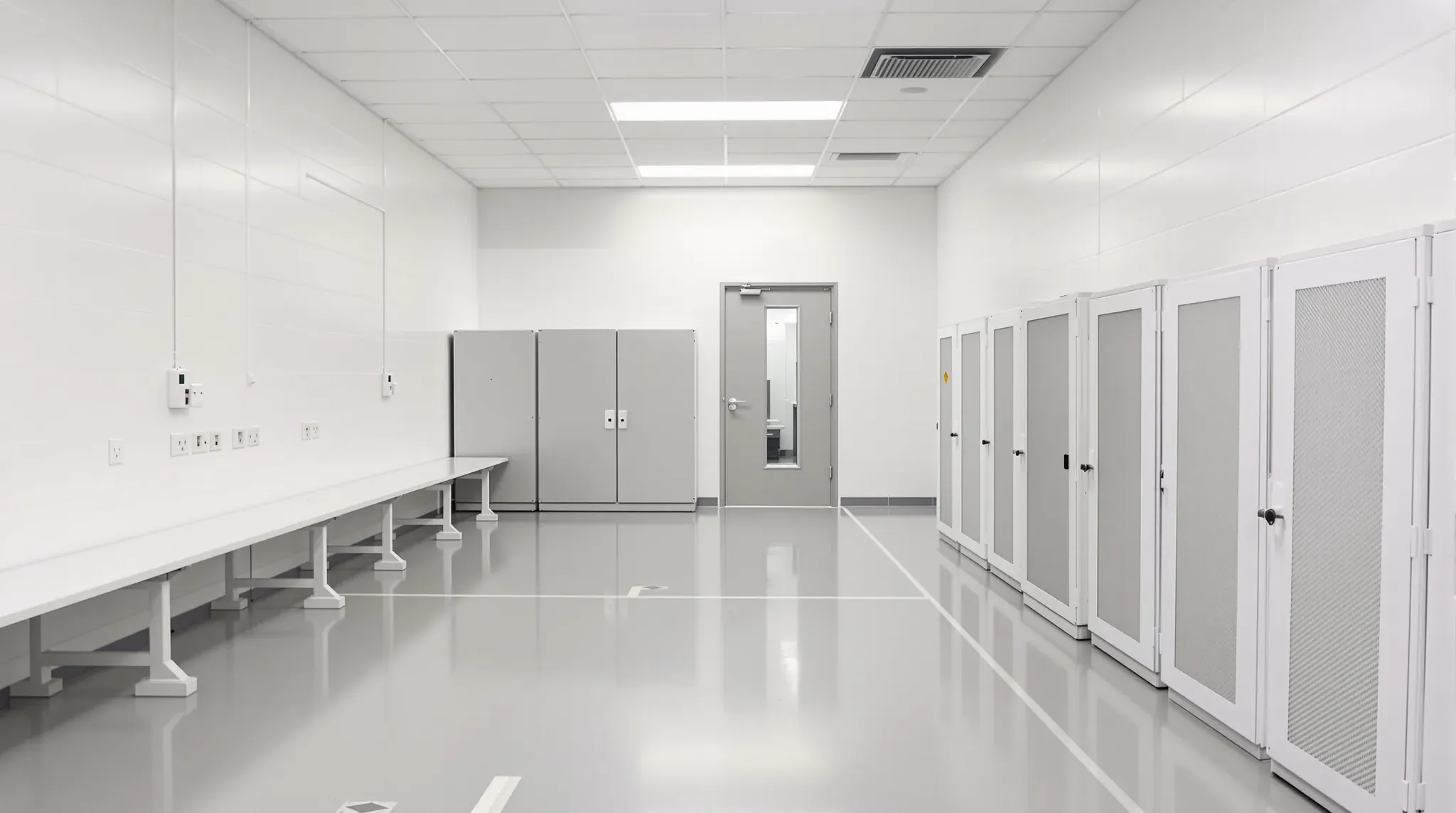
A data centre exists to keep the equipment in its data halls secure and running without a break, and every room built around those halls is planned to protect that. The entry controls who reaches the halls, and the staging room keeps packaging and dust out of them. The operations room and staff areas are used day and night by the people who watch the systems.
The data halls hold the server racks, and their floors, cooling and electrical plant are built by specialist trades. We build the support space around them, from the security entry and guard room to the network operations centre, the staging room by the loading dock, offices, meeting rooms and amenities. That can be the whole support area or one new room. NSW permits data centres on industrial and business park land, so this space often sits in an industrial building, like the office block in a warehouse and industrial fitout.
Working Inside a Live Data Centre
Most support-space work is done while the equipment in the halls next door keeps running. Each of our workers usually completes the facility's site induction first, and anyone without one is escorted by an inducted person for the whole visit. We submit a risk assessment and a method statement, an itemised list of each task in order and how it will be done, and the facility issues a permit to work once it has approved them.
The permit covers the work area and the hours agreed for it. Sawing, grinding and drilling generally need the facility's approval before they start, and painting, gluing and other work that gives off fumes can be moved to after hours. We plan the programme around those approvals, grouping the noisy and dusty steps into set windows instead of spreading them across every day.
Our board, studs and doors come in through the facility's loading dock, so deliveries are booked around the times it has free. Offcuts and packaging go back out through the dock at the end of each shift instead of being stored on site.
Plaster Dust and Aspirating Smoke Detection
Many data centres use aspirating smoke detection, which draws air through a network of small pipes to a detector that can pick up smoke particles before they are visible. Dust from building work can set off fire detection, and cutting and sanding plasterboard makes a fine dust. So in a live facility, the way we cut and sand is agreed with the facility team before work starts.
We can set up a cutting area at the dock or outside the building, away from the halls, and bring the board in cut to size. Inside, we score and snap plasterboard instead of sawing it, and sand the set joints with sanders connected to dust extractors. The work area is closed off with its doors kept shut, and it is vacuumed at the end of each shift.
Where the detectors in our work area still have to be isolated, the facility usually arranges it through its own fire services contractor, under a permit for that zone and those hours. Each isolation is logged, and the zone goes back into service as soon as the dusty work stops. We give the facility our dusty steps ahead of time, so it can plan the isolations instead of reacting to an alarm.
Fire-Rated Walls Around the Support Rooms
Data centre design standards keep the entry lobby, security office, operations centre and offices physically separate from the rest of the facility, and in the higher-rated facilities these rooms and the staff rooms are each fire-separated from the areas around them. That can put more rated walls into a data centre's support area than an ordinary office floor has, where fire-rated walls usually sit at tenancy boundaries, exit corridors, risers and comms rooms. The fire engineer or certifier sets which walls are rated and to what level.
We can frame these rooms in plasterboard partitions built to a tested fire-rated system, on steel studs taken up to the slab or roof structure. Under a slab, the top of the wall sits in a deflection head track, a deep channel with room for the slab to deflect without loading the studs, and the head is sealed as the tested system shows. Door frames go into boxed studs, two studs joined into one stiff section, so they hold a heavy fire door and its closer.
Each cable tray, conduit and pipe that crosses a rated wall needs a seal assessed for that wall and that service. On a data centre job the electrical, data and mechanical trades all cross our walls, so we agree the penetration positions before framing and leave the seals visible for inspection before the ceiling closes. Once the facility or the certifier has signed them off, we patch and paint our side of the wall.
The Security Entry, Interlock and Guard Room
Visitors and contractors usually come in through an entry lobby with a security counter, where they sign in and collect a pass. Beyond the counter, many facilities use an interlocking entry, a small lobby with two doors where the second will not release until the first has closed. Only one person passes through at a time, so nobody can follow a pass holder in.
We build the walls of the entry lobby and the interlock. The interlock walls run from the floor to the slab so the lobby cannot be bypassed through the ceiling void, and where the slab is out of reach a layer of steel mesh can close the ceiling instead. Before the walls are lined, we set conduits in them for the card readers, locks and door sensors, with no junction box reachable from inside the lobby.
The guard room, where the security team watches the cameras and the entry, is built as its own room with solid walls and a solid-core or steel door. A peephole or a camera at its door lets the guard see who is outside before opening it. The readers, interlock controller and cameras are supplied and connected by the security trade as part of the facility's access control and CCTV. Where an interlocked door is on an exit path, it is usually wired to release for evacuation, and the certifier confirms how.
A Network Operations Centre Outside the Halls
The network operations centre (NOC) is the room where staff watch the facility's systems around the clock. It is kept separate from the data halls, both to control who enters the halls and to keep dust out of them. In a new layout we can place it near the entry and the offices, so operators reach it without passing through a hall.
Each NOC desk takes more cables than an office desk, and the large screens on the wall need their own power and signal cables. We can fix timber or steel backing between the studs of the screen wall for the mounts, and run conduits to each screen position while the wall is open. The cabling can run back to a telecommunications room outside the halls that also serves the offices and support rooms.
The rest of the room is built much like a control or dispatch room, with an absorbent ceiling and dimmable lighting kept off the screens. Where the NOC needs its own fire rating, its walls go up to the slab with the other rated rooms.
The Staging Room Between the Dock and the Halls
New equipment arrives boxed and on pallets, and cardboard is usually kept out of the data halls because it is flammable and sheds dust. So unpacking happens in a staging room, sometimes called a build room, next to the loading dock. Equipment can also be set up and tested there before it goes into the halls.
We can place the room on a short, level route between the dock and the halls, with a door and corridor wide enough for a packed cabinet on a pallet jack. The wide door opening is framed with boxed studs taken up to the slab. We can line the corridor in impact-resistant plasterboard and fit corner guards where trolleys turn.
Inside, long benches run along the walls with power outlets above them. Lockable mesh cages along one wall hold customers' spare parts between visits, and a bay near the dock door takes flattened boxes until they go to the bins. The data trade usually adds a wall phone and data outlets in the staging room and at the dock.
Static electricity can damage electronics, so the staging room floor is often a static-dissipative vinyl laid by a specialist flooring trade. It is glued down with a conductive adhesive over copper strips that connect to an earth point, which the electrician provides. We coordinate the slab preparation, the earth point and the flooring before the benches go in.
Break Rooms, Showers and Meeting Rooms for 24-Hour Use
Food and drink are kept out of the data halls, so the break room is where staff, guards and visiting engineers eat, at any hour. We can build it with a kitchen bench, a sink and space for a fridge and microwave, off the main corridor and close to the NOC and guard room.
We keep toilets, showers and kitchens off the walls of the data halls where the layout allows. Where one has to sit beside a hall, the floor is waterproofed and turned up at the walls with a floor waste, so a leak drains away instead of running towards the hall. On an upper floor, we check what sits below before placing a wet area, and keep it over offices or corridors.
Staff on night shifts and engineers working through a long install use the showers and lockers, and many facilities add bike racks, the same end-of-trip facilities an office building provides. We can add a quiet room with dimmable lighting and a solid door, where a night-shift operator can rest on a break.
Customers often book meeting rooms and workspace inside the facility, and some rent their own offices. We can place those rooms on the visitor side of the interlocked entry, so a customer can hold a meeting there without a pass into the secure area.
When we price a data centre's support space, we sequence the dusty work, the rated walls and the security entry around the facility's permits, so the halls keep running while we build.
📞 Call us on 1300 60 93 93